Most “AI for beginners” courses still drift into Python and machine learning theory within the first two modules. This guide compares 6 courses I’ve personally vetted for non-technical professionals, what they cover, what they skip, and which one is right for which role.
The problem with most “AI for beginners” courses
I’ve watched the AI training market quietly become a mess. There are now thousands of “AI for beginners” courses on Udemy, Coursera, LinkedIn Learning, and direct from companies like Google, IBM, and Microsoft. Most of them are not built for the people who actually need them.
The pattern I see again and again: a course is marketed as “no coding required” or “for non-technical professionals.” You sign up. Module 1 is genuinely useful. Module 2 introduces Python. Module 3 talks about gradient descent. By Module 4, you have closed the tab.
This isn’t accidental. A lot of these courses are repurposed engineering content with a friendlier landing page. The instructors are brilliant. The content is rigorous. It is also wrong for an HR director who just wants to use ChatGPT better on Monday.
So if you’re a manager, marketer, HR lead, finance person, consultant, or business owner, here is what to actually pay attention to when you’re choosing a course in 2026.
What “non-technical” should actually mean in 2026
Before I get into the comparison, here’s the filter I use when assessing any AI course. A genuinely non-technical course should:
Teach you to think in prompts, not in code. The skill that actually transfers is prompt design. If a course spends more than 10% of its time on “how AI works under the hood,” that’s a red flag for our audience.
Use ChatGPT, Claude, Gemini, or Copilot, not a custom playground. Some courses use bespoke environments that look impressive but don’t transfer to the tools you’ll use at work.
Show examples from non-technical jobs. Marketing briefs, HR policies, finance summaries, board reports, customer service emails. If every example is “let’s write a Python function,” you’re in the wrong course.
Be honest about limitations. Hallucinations, bias, copyright issues, where AI fails. A course that treats AI as magic will leave you confidently wrong six months later.
Be updateable. AI tools change every few weeks. A static PDF course from 2023 is already out of date. Look for live cohorts, regular updates, or a community where current tools are discussed.
The 6 courses I’d consider in 2026 (honest take)
I’ve taken or audited dozens of these. Here are the six I’d actually recommend to a friend, plus exactly who each one is for.
1. Google AI Essentials (Coursera)
Free or included with Coursera Plus. Roughly 5 hours. Covers what generative AI is, basic prompting, ethics, and using AI tools at work. [2] Strengths: cheap, friendly, no coding. Weaknesses: shallow on prompting craft, examples skew tech-industry. Best for: someone who has never opened ChatGPT and wants a polished first introduction.
2. IBM AI Foundations for Business (Coursera Specialization)
A specialisation of five short courses, on the order of 40 hours total. [3] Strengths: covers AI strategy, ethics, and business application. Weaknesses: more theoretical than practical, drifts into ML concepts you don’t strictly need. Best for: business leaders preparing to make AI investment decisions, not for individual contributors trying to get faster at work.
3. LinkedIn Learning’s “Generative AI for Business Leaders” path
A bundle of short courses, roughly 8 hours combined. [4] Strengths: strong instructors with real-world experience, easy to fit into a lunch break. Weaknesses: feels assembled rather than designed, and the practical exercises are thin. Best for: directors and VPs who need vocabulary and strategy more than hands-on skill.
4. Anthropic’s Prompt Engineering tutorial (free, GitHub)
Free, self-paced, on the order of 4 hours if you do every exercise. [5] Strengths: the best free resource for learning prompting craft, taught by the people who built Claude. Examples are practical and progressive. Weaknesses: assumes you know what Claude is and how to access it; some examples use the API which can intimidate non-technical learners. Best for: anyone who has used ChatGPT for a couple of months and wants to get noticeably better at prompts. Skip the API sections if they scare you.
5. Microsoft AI Skills Navigator / Copilot for Microsoft 365 training (Microsoft Learn)
Free, modular. [6] Strengths: if your company runs on Microsoft 365, this is the most directly relevant content available. Best for: anyone whose daily work happens in Outlook, Word, Excel, PowerPoint, and Teams. Weaknesses: Microsoft-centric (obviously), and skews toward enterprise IT use cases.
6. Future Factors AI courses and workshops
Full disclosure: I co-built these. Our AI Bootcamps, Corporate Workshops, and Speaking & Consulting are designed for the exact audience this article is written for: non-technical professionals who want practical skill, not theory. Strengths: live, cohort-based, role-specific (separate tracks for marketing, HR, finance, ops), and updated as tools change. Weaknesses: not free, and not self-paced (which some people prefer). Best for: teams that want everyone on the same page within a few weeks, and individual professionals who learn better with a live cohort.
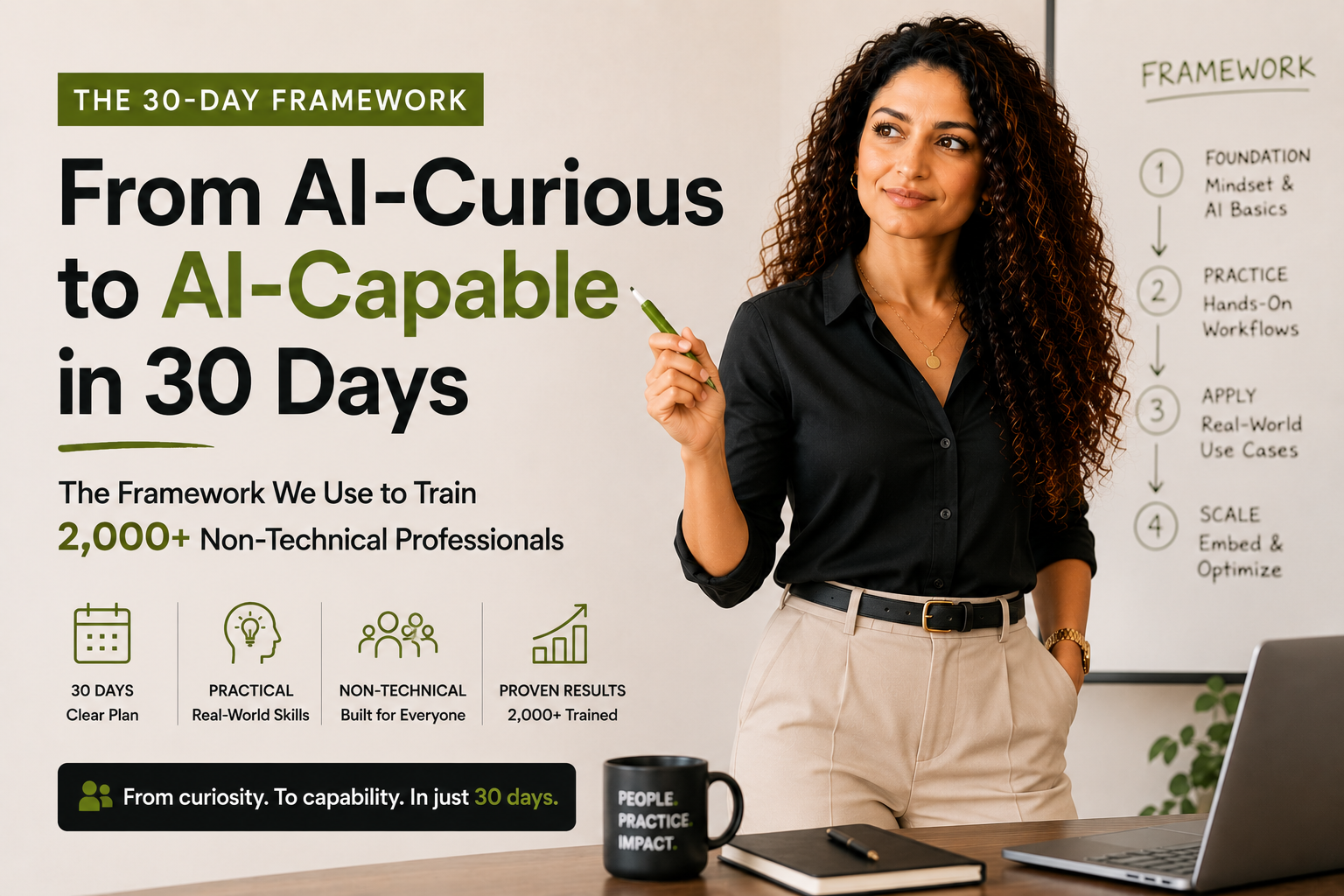
If you’re not sure where to start, our 30-day framework for going from AI-curious to AI-confident is a free starting point that doesn’t require enrolling in anything.
Which course is right for your role?
Here’s the cheat sheet I’d send to a friend:
If you’re in HR: Start with Google AI Essentials for fluency, then take Anthropic’s prompt engineering tutorial to get good at writing prompts, then look at our HR-specific workshops if you want role-specific use cases (interview rubrics, performance reviews, policy drafting).
If you’re in marketing: Skip the generic courses. Go directly to a marketing-AI specific resource. Hina’s guide on how to use ChatGPT for marketing covers the practical workflows; for prompting craft, do the Anthropic tutorial.
If you’re in finance or operations: Microsoft Copilot training is probably your highest-leverage option because so much finance work lives in Excel and Outlook. Pair it with a generic prompting tutorial.
If you’re a manager or leader: IBM AI Foundations gives you the strategy vocabulary. LinkedIn Learning’s business leader path gives you the use-case breadth. Pair either with one hands-on tutorial so you can actually use the tools you’re approving budgets for.
If you have no idea what you do all day with AI yet: Just open ChatGPT and use it for one hour. Then come back and pick a course. Trying to choose the perfect course before you’ve used the tool is the most common procrastination pattern I see.
Red flags that should make you skip a course
This is the section that will save you the most money. If a course you’re considering shows any of these, walk away.
“Become an AI engineer in 30 days” framing. You don’t want to become an AI engineer. You want to use AI well. These are different skills.
Heavy emphasis on Python, TensorFlow, or PyTorch in the syllabus. These are valuable skills, but not for our audience. If they appear in the first 30% of the syllabus, the course was not built for non-technical professionals.
Promises of “AI mastery” or “becoming an expert.” Anyone who promises mastery of a field that is changing every six weeks is overselling. Look for courses that promise specific outcomes (“you’ll write better prompts,” “you’ll automate 5 hours of weekly work”) instead.
Outdated tool references. If the marketing copy still talks about GPT-3.5 or doesn’t mention Claude or Gemini at all, the content is stale. AI courses go stale fast.
No instructor visible. Faceless “AI experts” with no track record are a sign of a content farm. You want to learn from a human who has done the work.
What to do this week to actually start learning
Here’s the smallest possible useful next step. Don’t enrol in anything yet. Spend one hour this week doing the following:
Pick one repetitive task you do every week. Writing a status update. Replying to a recurring email. Summarising a meeting. Drafting a brief.
Open ChatGPT (free tier is fine). Try to do that task with AI’s help. Don’t read about prompting yet. Just try.
Notice where it went well and where it went badly. That gap is your curriculum. When you do enrol in a course, you’ll have a real problem to bring with you, and you’ll get 10 times the value.
This is, honestly, why I keep recommending our live cohorts over self-paced courses for working professionals. Showing up with a real problem and getting expert feedback in the same week is the fastest learning loop I’ve found. But you don’t need to spend money to start. Open ChatGPT. Pick one task. Begin.
Frequently asked questions
This guide was written by Sana Mian, Co-Founder of Future Factors AI, drawing on hands-on work with non-technical teams. It is updated periodically as the tools and the field move. Future Factors AI offers Bootcamps, Corporate Workshops, and Speaking & Consulting for teams getting practical with AI.
Sources
- [1] Microsoft & LinkedIn. 2024 Work Trend Index: AI at Work Is Here. Now Comes the Hard Part. 2024.
- [2] Google. Google AI Essentials on Coursera. 2024.
- [3] IBM. IBM AI Foundations for Business Specialization. 2024.
- [4] LinkedIn Learning. Career Essentials in Generative AI. 2024.
- [5] Anthropic. Anthropic Prompt Engineering Interactive Tutorial. 2024.
- [6] Microsoft Learn. Get Started with Microsoft 365 Copilot. 2024.