
TL;DR
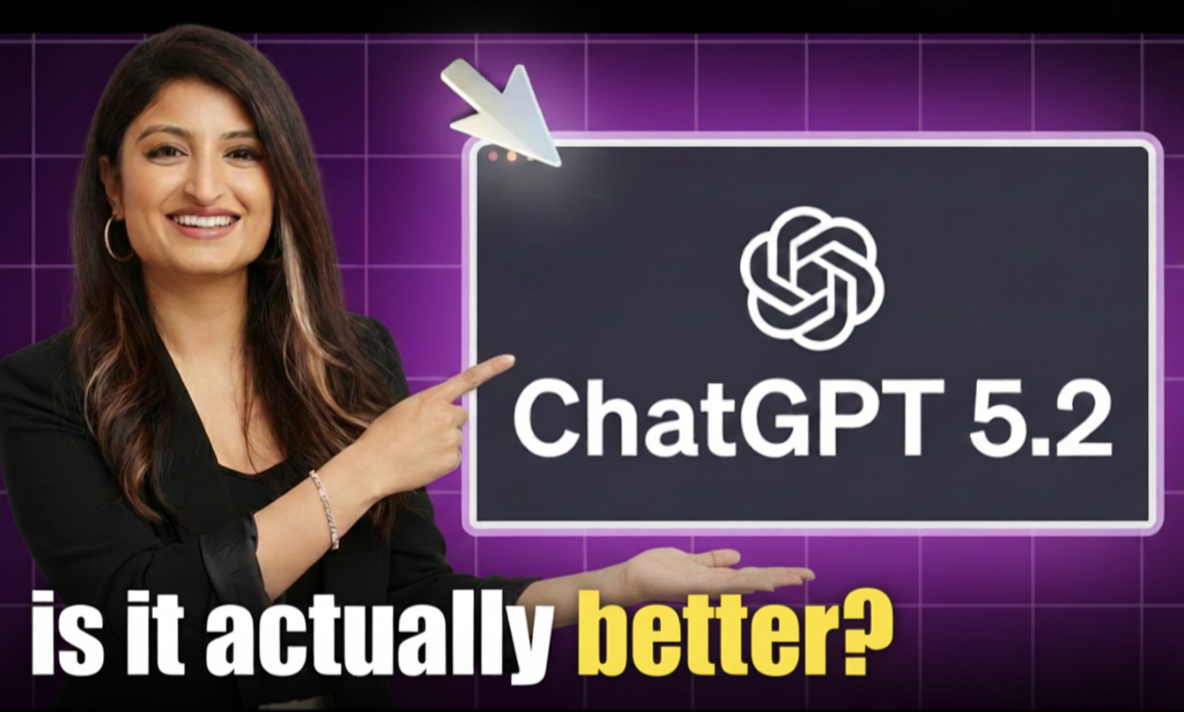
GPT-5.2 offers meaningful improvements in document analysis, reasoning, and coding, but the speed trade-off is real. Upgrade if you do complex knowledge work; stick with what you have for quick everyday tasks.
GPT-5.2 Is Here: What It Actually Means for Your Work
OpenAI just rolled out GPT-5.2, and people have…well, opinions about it.
Sam Altman called it “the smartest generally-available model in the world” on X. Meanwhile, actual users are flooding Reddit saying it feels “boring” and “too corporate.” So what’s really going on here, and more importantly, should you care?
Let me break down what this means for those of us using AI to get real work done.
The Promise: Real Time Savings
Here’s what caught my attention in the early reports. According to data from enterprise users analyzed by Geeky Gadgets, people are seeing:
- 40 to 60 minutes saved per day on average.
- Power users are reporting up to 10 hours saved weekly.
- Tasks are getting completed 11 times faster than doing them manually.
Box AI shared a specific example: data extraction tasks that used to take 46 seconds now finish in 12 seconds. That’s the kind of improvement that actually changes your workflow!
OpenAI claims GPT-5.2 beats human experts 70.9% of the time across 44 different professions. That’s nearly double what the previous version could do at 38.8%.
On paper, this looks fantastic…
….But there’s a little more to the story.
The Reality Check: What Users Are Actually Saying
Within 24 hours of launch, the ChatGPT Reddit community lit up with complaints. And they’re not about bugs or technical issues. They’re about how it feels to use.
The top comments? Things like “Too corporate, too ‘safe’. A step backwards from 5.1” and “Boring. No spark. Feels like a corporate bot” and “It’s so… robotic.”
Now, you might be thinking who cares about personality if it gets the job done?
Fair question. But here’s the thing. The tool you’ll actually use consistently is better than the theoretically superior tool you avoid because it’s annoying to interact with. User experience matters, especially when you’re spending hours a day with these tools.
The Trade-Off We Need to Talk About
Here’s the biggest issue I’ve seen in the early reports: GPT-5.2 is slower.
According to TechRadar’s analysis of early user feedback, GPT-5.2 is significantly slower than GPT-5.1 for complex tasks. Some queries are taking 20 minutes or more to complete.
So yes, it’s more accurate. But you’re going to wait longer for those accurate answers. Whether that trade-off makes sense depends entirely on what you’re using it for.
Where GPT-5.2 Actually Shines
Let’s get practical. Based on the benchmark data and early testing reports, here’s where this model seems to excel:
- Long document analysis: If you’re regularly working with 50 page reports, contracts, or research papers, the improvements here are substantial. It maintains near-perfect accuracy across 256,000 tokens, which is roughly 200,000 words.
- Complex reasoning tasks: It scored over 90% on general reasoning benchmarks and 100% on advanced mathematics tests. For work that requires following multi-step logic, this matters.
- Professional writing: Multiple reviewers noted it’s excellent at generating reports, analyses, and structured documents. The output is more thorough and follows instructions more precisely.
- Current information: The knowledge cutoff is August 2025, which is considerably more recent than the previous version from September 2024 and even beats Gemini 3.0 from January 2025.
- Coding work: It achieved a 55.6% success rate on complex software engineering benchmarks with 30% fewer errors. If you’re using AI for any coding tasks, that’s a meaningful jump.
Where You Might Want Alternatives
The competitive landscape has shifted. According to LMArena rankings and independent testing, no single model dominates everything anymore.
- Claude Opus 4.5 still ranks first for web development and is favored by many developers for debugging and creative problem-solving.
- Gemini 3 Pro gets better reviews for natural conversation and multimodal tasks that combine text, images, and code.
- GPT-5.2 appears strongest for following detailed instructions and handling accuracy-critical work.
The companies I’m seeing succeed with AI aren’t picking one tool and calling it done. They’re using different models for different tasks.
What This Means for Your Workflow
Let me make this concrete with some use case thinking.
Consider GPT-5.2 when you’re doing this kind of work:
You’re analyzing lengthy financial reports where accuracy is critical. You’re drafting important contracts or compliance documents. You need detailed research synthesis across multiple sources. Errors would have real business consequences. Speed is less important than getting it right.
Stick with what you have when:
You need quick responses for everyday tasks. You’re doing creative brainstorming where personality matters. You’re working on conversational or customer-facing content. Your current tools are working fine for what you need.
The Bigger Picture
There’s context here worth understanding. Google launched Gemini 3 Pro about a month ago, and it was genuinely impressive. According to TechRadar, Sam Altman allegedly issued a “code red” internally in response.
That competitive pressure shows. GPT-5.2 feels rushed in some ways. It’s technically stronger but less refined in the user experience. OpenAI insists it was in development for months, but the timing is hard to ignore.
What we’re seeing is the AI landscape maturing. We’ve moved past the era of one dominant model everyone uses for everything. Different tools are getting better at different things.
My Practical Take
Here’s what I’d recommend if you’re trying to figure out how this affects your work.
Test it with your actual tasks. Don’t just take anyone’s word for it, mine included. Take a few real examples of work you do regularly and run them through GPT-5.2. Then compare. Is it actually better for your needs? Is it worth the slower response times?
Keep your expectations realistic. This isn’t a magic bullet. It’s a tool that got incrementally better at some things and incrementally worse at others. The benchmark improvements are real, but so are the user experience concerns.
Don’t assume newer is always better. The best AI tool is the one that fits your specific workflow, not necessarily the one with the highest test scores or the most recent launch date.
Consider using different tools for different jobs. If you’re doing diverse work, you might end up using GPT-5.2 for certain tasks and keeping Claude or Gemini for others. That’s not inefficient. That’s smart.
The Bottom Line
GPT-5.2 represents genuine technical progress. The accuracy improvements are measurable and meaningful for specific types of professional work.
But it’s not universally better. The speed penalty is real, and the user experience concerns are valid.
For business professionals using AI as a practical tool to get work done, the question isn’t “Is GPT-5.2 the best model?” The question is “Is GPT-5.2 the best model for what I’m trying to do?”
And the honest answer is: sometimes yes, sometimes no.
The AI tools landscape is evolving from “one tool to rule them all” to “the right tool for the right job.” That’s actually a good thing, even if it makes the decision-making a bit more complex.
Want to go deeper?
I’m curious what you’re experiencing with GPT-5.2 in your actual work. Are you seeing the accuracy improvements? Are the speed issues affecting your workflow? Drop a comment. These tools move so fast that we all benefit from sharing real-world experiences.
Sources:
Sam Altman’s X announcement: https://twitter.com/cantworkitout/status/1999184337460428962
Geeky Gadgets analysis: https://www.geeky-gadgets.com/chatgpt-5-2-benchmarks/
TechRadar user feedback: https://www.inkl.com/news/chatgpt-5-2-branded-a-step-backwards-by-disappointed-early-users-here-s-why
36kr comparative testing: https://eu.36kr.com/en/p/3592336761012487
Reddit discussion: https://www.reddit.com/r/ChatGPT/comments/1pkinu4/sooooo_how_we_feelin_about_52/
————————————————————–
Hi, I’m Sana.
I help non-technical teams understand, embrace, and use emerging tech.Whether it’s through workshops, team upskilling, or hands-on sessions, I make AI feel approachable, practical, and yes even fun. ’ , ’ .
#ai #aienablement #aitools #learnai #aiconsultant #aiforbusiness #futureofwork #digitaltransformation #instuctionaldesign #leaninginnovation #aiadoption